OpenBlue Employee Frequently Asked Questions
Below are answers to the most frequently asked questions about the desk reservation system (OpenBlue Employee, formerly FMS: Employee). If you don’t find the information you need, please refer to the training videos and user guide. For additional assistance or to report any issues, contact uwftech@uw.edu.
Is check-in required for reservations?
Check-in requirements are determined by organizational policy and may vary between groups. While some teams must confirm their reservations, others may be exempt.
How far in advance can I check-in?
You can check-in starting at midnight on the day of your reservation.
How late can I check-in?
You can check-in up to 59 minutes after the reservation start time. Example: For a 10:00 AM desk reservation, check-in is allowed until 10:59 AM. After that, your reservation will be forfeit.
Where can I check in from? How do I check-in?
There are multiple check-in options offered by the system. The mobile app (fms:now) offers the easiest check-in experience but it is also possible to check-in from the email reminder and MapView. To learn about how to check into your reservation, please review these short training videos:
How far in advance can a resource be booked?
Reservation timeframes are set by organizational policy and may differ between groups. For specific details, please refer to your organization’s guidelines.
Can I change the default start time when making a reservation? I don’t like having to scroll to the start of my work day.
Unfortunately, this is a building wide setting which controls when desks can be reserved. It cannot be personalized for each user, but we have submitted an enhancement request to the vendor for this capability.
Is checking out required?
No. Checking out is not required but if you don’t need your desk for the full time then checking out will make it available for someone else to use. If you do not check out the reservation will end at the scheduled time.
How long can I make a reservation?
A reservation can be as short as 30 minutes or as long as 10 hours.
Can you set a default floorplan? If so, how do you set a default in MapView?
Yes, you can set a default MapView. Instructions are available on the Welcome and Introduction page (copied below for reference).

Where can I see my upcoming reservations?
If you booked through the Outlook “Find-a-Room” plugin and didn’t cancel the reservation, it should appear on your Outlook calendar. If a booking was made outside of the Outlook plugin, you can log into Resource Scheduler and look for the My Reservations section. That is where you will find a list of your future bookings.
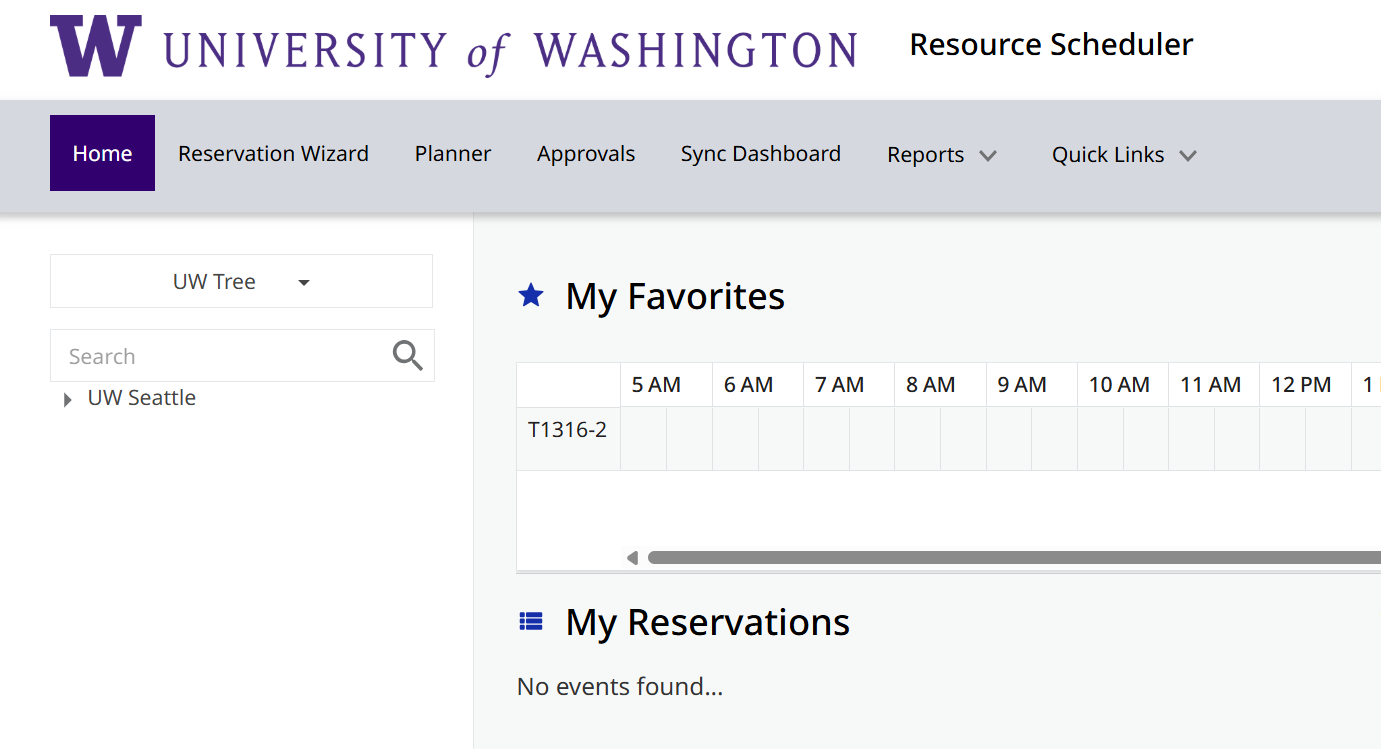
I deleted my reservation from Outlook, why is it still in the reservation system?
Outlook and the desk reservation system only have one-way communication for hoteling desks. This means Outlook can only create bookings. To cancel the reservation, please go to Resource Scheduler and follow the steps in the RS: EDIT/DELETE RESERVATIONS section of the user guide.
When are new hires added to the reservation system?
The process to add new employees is automated and it typically completes one business day following their hire date. Occasionally the process can take two business days. If access hasn’t been granted after that time, please contact our helpdesk at uwftech@uw.edu for assistance.